Nexus Medya
Separate logo eligibility, asset status and actual serving before changing your website or advertising account.
Nexus Medya
Separate logo eligibility, asset status and actual serving before changing your website or advertising account.
Nexus Medya
Let’s clarify your project
The relevant member of our team.

Google Ads Specialist
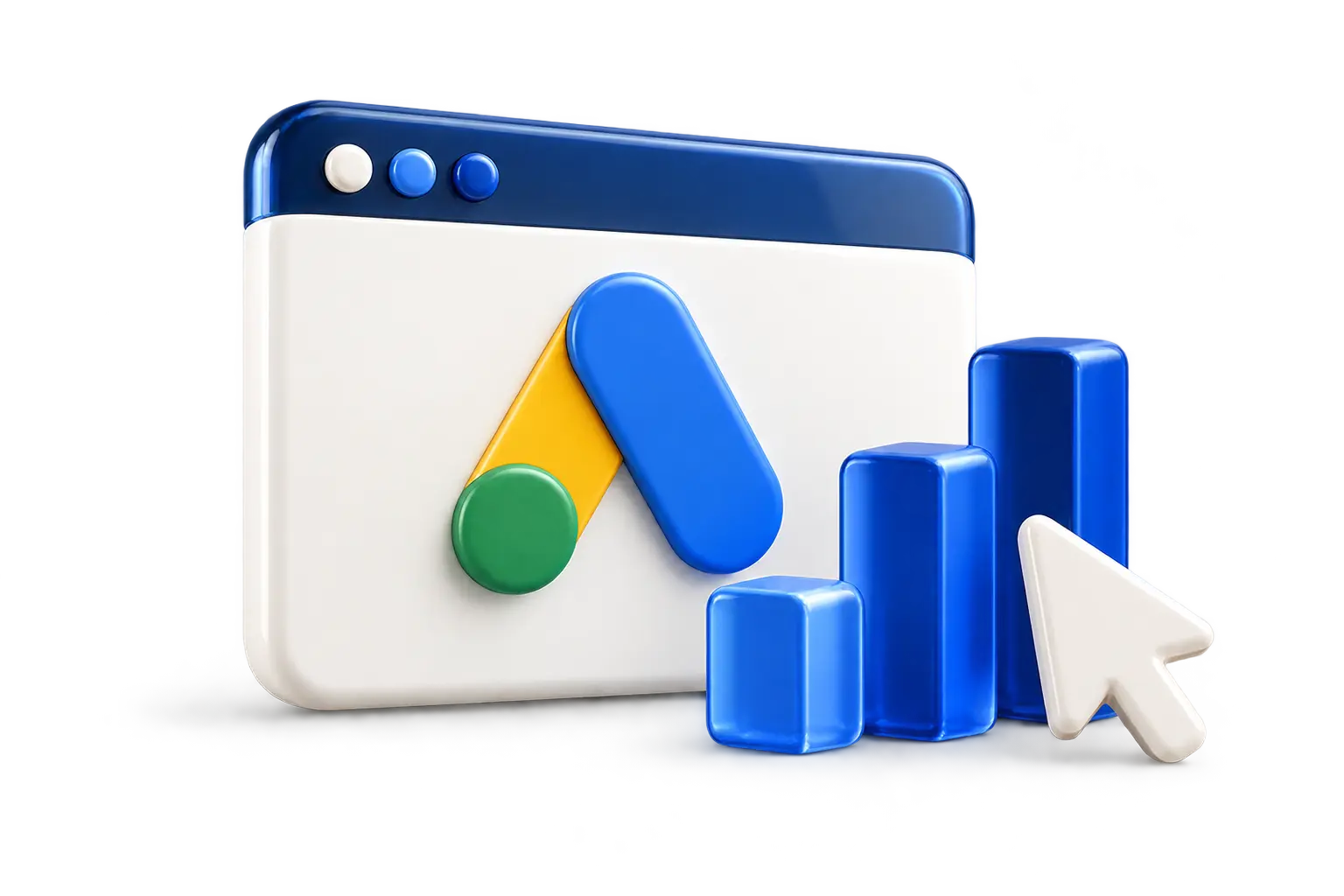
A missing icon can refer to several different things: the website’s browser favicon, a business logo in an advertisement or a visual shown in an organic search result. They are not the same feature. Before changing files or account settings, record where you saw the issue and which business representation you expected.
Review the brand name and related records.
Check the image’s use and registration status.
Review eligibility and serving context together.
Keep a screenshot, the page or campaign involved and the time of the observation. A statement such as “the logo is missing” is difficult to investigate without that context. Separating the surface helps the team ask the right question and avoids replacing website assets that are unrelated to the advertising issue.
Google’s business information documentation describes advertiser and asset requirements. It also states that business information is not guaranteed to appear even when verification is complete. A missing logo in one observation therefore does not, by itself, prove that the asset is rejected.
Check the account and the relevant asset status before making a change. If a policy reason is shown, preserve the exact message. If the asset is approved but not appearing, examine its association and available reporting rather than assuming that uploading it again will force it to display.
The company’s public name, website and advertising information should represent the same business. Where a trading name differs from a legal name, the responsible account owner needs to understand the applicable verification process. This is an identity question, not a reason to invent a different name solely to make the interface accept an asset.
Prepare the current logo file, the intended business name and the website address together. The team can then review whether the submitted material is the correct version and whether it belongs to the relevant campaign. Different departments using old files can create uncertainty even before platform requirements are considered.
A useful request for help includes the affected campaign, asset status, association, screenshot and any displayed policy explanation. It should also identify who manages the account and who controls the website. Access can then be arranged through the organisation’s approved process without sharing passwords in a message.
Record any changes made during the investigation. If the name, logo and several settings are changed together, it becomes harder to understand which item mattered. A dated change history helps the next person assess the situation and avoids repeating work that has already been completed.
If the missing image is actually a browser favicon, the investigation belongs to the website configuration and files. If it is an advertising business asset, the relevant account and asset information are needed. Distinguishing these cases gives the developer and advertising manager a clear division of responsibility.
Nexus Medya can help organise the information and define an appropriate review scope. Include the surface where the icon is missing so that the first conversation can focus on the relevant account or website information. Share your goals and priorities with Nexus Medya so we can clarify the scope together.
Create a clearer path
Share your goals and priorities. We can discuss a suitable scope for your content, design and technology.
A team that understands your brand, plans the work together and follows its progress.
We approach web design, SEO, advertising, content and visual production as parts of one project. Each service is planned around your brand’s voice and goals.
We start by listening, then agree on the scope, deliverables and budget together. We build a plan that fits your project instead of forcing it into a fixed template.
You speak directly with the team members working on your project. We explain the planned work, schedule and feedback in clear, practical language.
We review website and campaign data together. By following which activities generate interest and enquiries, we identify the next priorities for improvement.
The platforms, tools and technologies we use for advertising, AI, software, payments, communications and visual production.
 Google Ads
 Yandex Direct
 Claude
 ChatGPT
 PostForAll
 Heyla
Heyla PayTR
PayTR Semrush
 AWS
AWS Netgsm
 Google Analytics
 DJI
DJI Meta
Meta Gemini
 Adobe
Adobe ElevenLabs
 QuizFormLead
 Bitrix24
 iyzico
 TikTok
 LinkedIn
 Cloudflare
 Laravel
 Canon
Canon