Nexus Medya
Understand how a CRM connects enquiries, responsibilities and follow-up without mistaking automation for a customer relationship.
Nexus Medya
Understand how a CRM connects enquiries, responsibilities and follow-up without mistaking automation for a customer relationship.
Nexus Medya
Let’s clarify your project
The relevant member of our team.

Founder & CEO · Webmaster and SEO Specialist
CRM stands for Customer Relationship Management. It describes the way a business organises its relationships with prospects and customers. CRM software supports that process by keeping agreed information, responsibilities and next actions together. The software is useful only when the team understands how the process works and maintains the records.

Connect details to the central customer profile.
Match the conversation to a person and workflow.
Track progress using actual records.
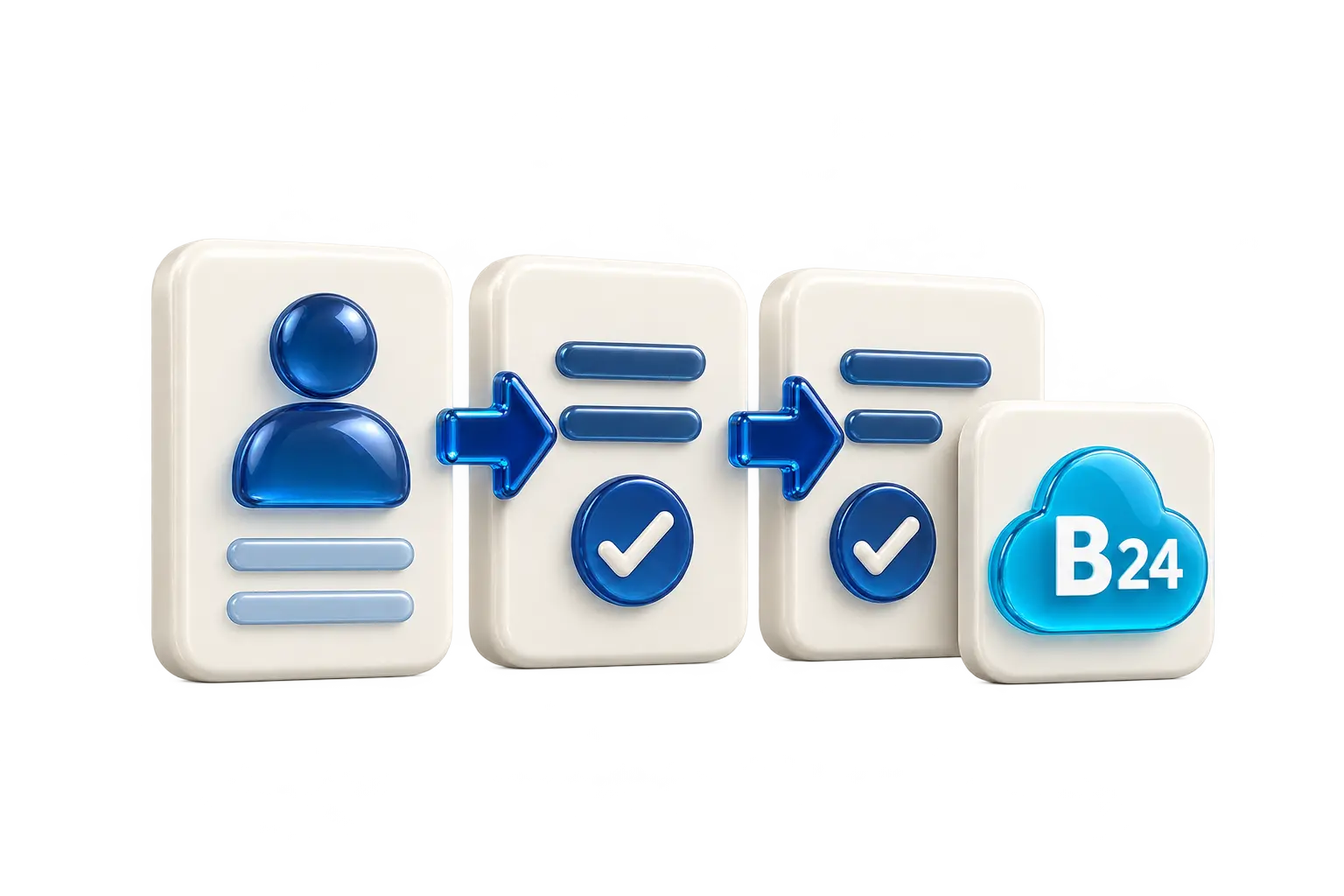
An enquiry can arrive through a website, a phone call or a permitted business communication channel. Without a shared process, one employee may make a note while another cannot see whether the person has already been contacted. A CRM can provide a common record of the enquiry, its responsible owner and the next agreed step.
For example, a company might record a new enquiry, assign an initial conversation and later prepare a proposal. The precise stages should reflect that company’s actual work. A complicated pipeline copied from another business may create unnecessary administration rather than useful follow-up.
A practical starting point is the information needed to answer the request: contact details provided by the person, the subject, the responsible team member and a dated next action. Where appropriate, a source reference can help explain how the enquiry reached the business. Each additional field needs a purpose and an owner.
Collecting every available detail is not a sensible requirement by itself. Access, storage and use should be considered before adding more data. A team also needs to distinguish a customer’s own statement from an internal assumption, and correct inaccurate records through a clear process.
A stage label is useful when the team shares its meaning. “Contacted” might mean a completed conversation, not merely an unanswered call. “Proposal sent” should refer to a real proposal. Agreement on these definitions makes follow-up and reporting easier to interpret.
Ownership also matters. A record with no responsible person may remain untouched even if reminders exist. Decide who receives new enquiries, who can reassign them and what happens when the original owner is unavailable. These operational decisions come before dashboard design.
Automation can support approved routines such as creating a task or recording an agreed status change. It should not be assumed to understand every customer’s request or make every sales decision correctly. The business must define the trigger, action, exceptions and responsible person.
A website form and a CRM may be connected, but saving an enquiry, notifying a team and delivering an email are separate actions. A useful setup records their actual status so staff can respond when a delivery or integration problem occurs.
Before comparing products, describe your enquiry sources, team roles, stages and reporting needs. Ask how existing records can be moved, how access is controlled and how information can be exported if the working arrangement changes. Clarify responsibilities for setup, training and ongoing maintenance.
Start with the decisions people need to make. A modest, consistently maintained process can be more useful than a large set of unused fields. The project scope should state what the system will support and what still depends on staff action.
A clear website helps visitors explain what they need; a clear CRM process helps the team respond. Share your goals and priorities with Nexus Medya so we can clarify the scope together.
Create a clearer path
Share your goals and priorities. We can discuss a suitable scope for your content, design and technology.
A team that understands your brand, plans the work together and follows its progress.
We approach web design, SEO, advertising, content and visual production as parts of one project. Each service is planned around your brand’s voice and goals.
We start by listening, then agree on the scope, deliverables and budget together. We build a plan that fits your project instead of forcing it into a fixed template.
You speak directly with the team members working on your project. We explain the planned work, schedule and feedback in clear, practical language.
We review website and campaign data together. By following which activities generate interest and enquiries, we identify the next priorities for improvement.
The platforms, tools and technologies we use for advertising, AI, software, payments, communications and visual production.
 Google Ads
 Yandex Direct
 Claude
 ChatGPT
 PostForAll
 Heyla
Heyla PayTR
PayTR Semrush
 AWS
AWS Netgsm
 Google Analytics
 DJI
DJI Meta
Meta Gemini
 Adobe
Adobe ElevenLabs
 QuizFormLead
 Bitrix24
 iyzico
 TikTok
 LinkedIn
 Cloudflare
 Laravel
 Canon
Canon